
OCR GCSE · J277 · Component 01 / Paper 1

UNIT 1.5 · POWERPOINT TEACHING PACK

Systems software

Teach the complete unit with two editable PowerPoints. Explain how operating systems manage a computer and how utility software helps maintain and protect its data.

For school teaching, private tuition and guided home education.

Inside the actual packEditable .pptx
Operating systems, the first of two PowerPoints in the complete Unit 1.5 pack

2

PowerPoints

50

Editable slides

1

Complete pack

Editable PowerPoints
2
Slides with speaker notes
50
Slides with animation
38
Knowledge organisers
2

A clear route through unit 1.5

Two PowerPoints. One complete unit.

Present, pause for practice, reveal and discuss. Adapt the pace and editable slides to your learners.

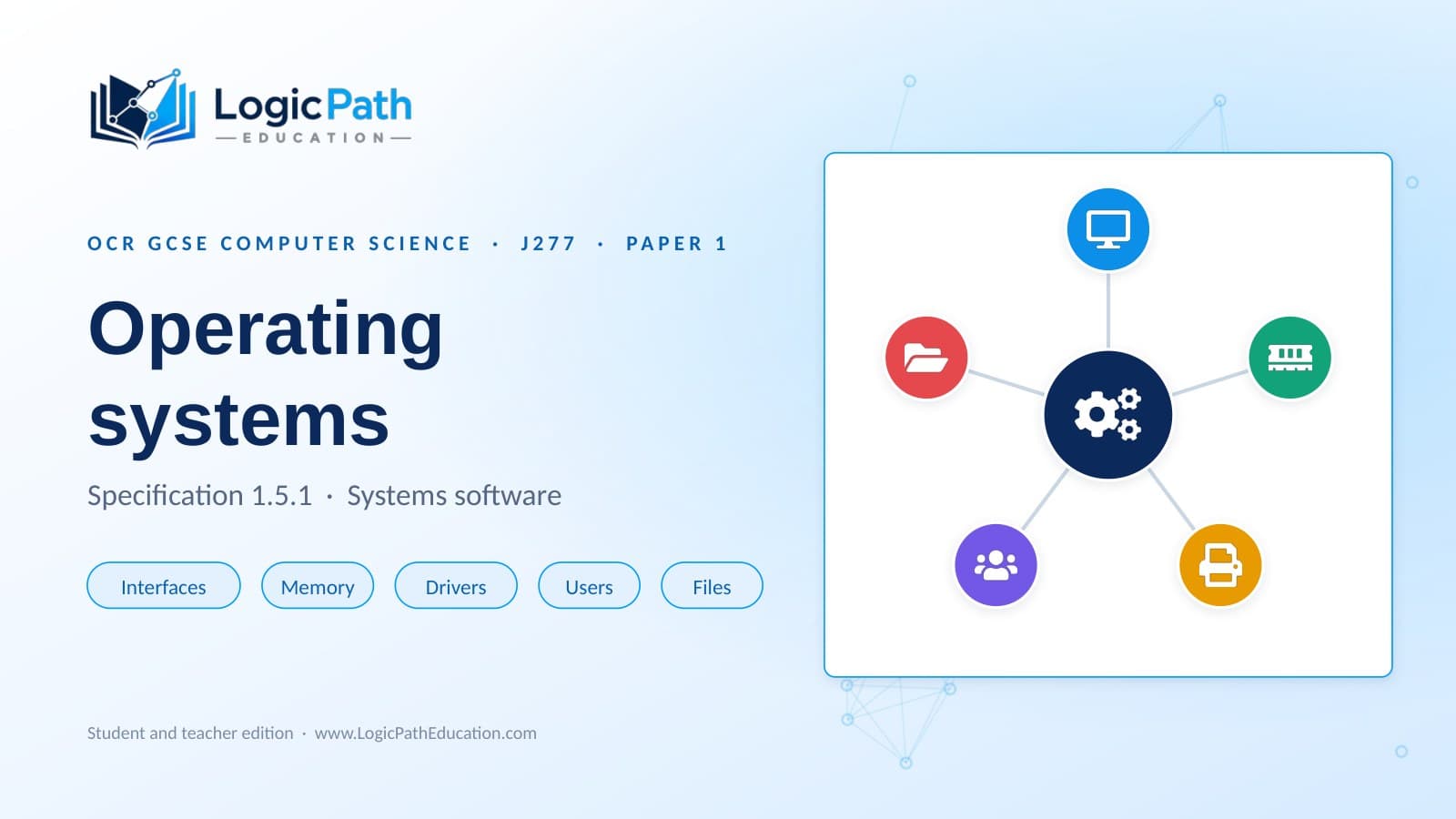
Operating systems PowerPoint cover
OCR 1.5.126 slides

Operating systems

Explain the purpose of an operating system and how its five main functions support everyday computer use.

  • User interfaces, memory management and multitasking
  • Peripheral management, device drivers and user accounts
  • File management, guided scenarios and exam practice with answers
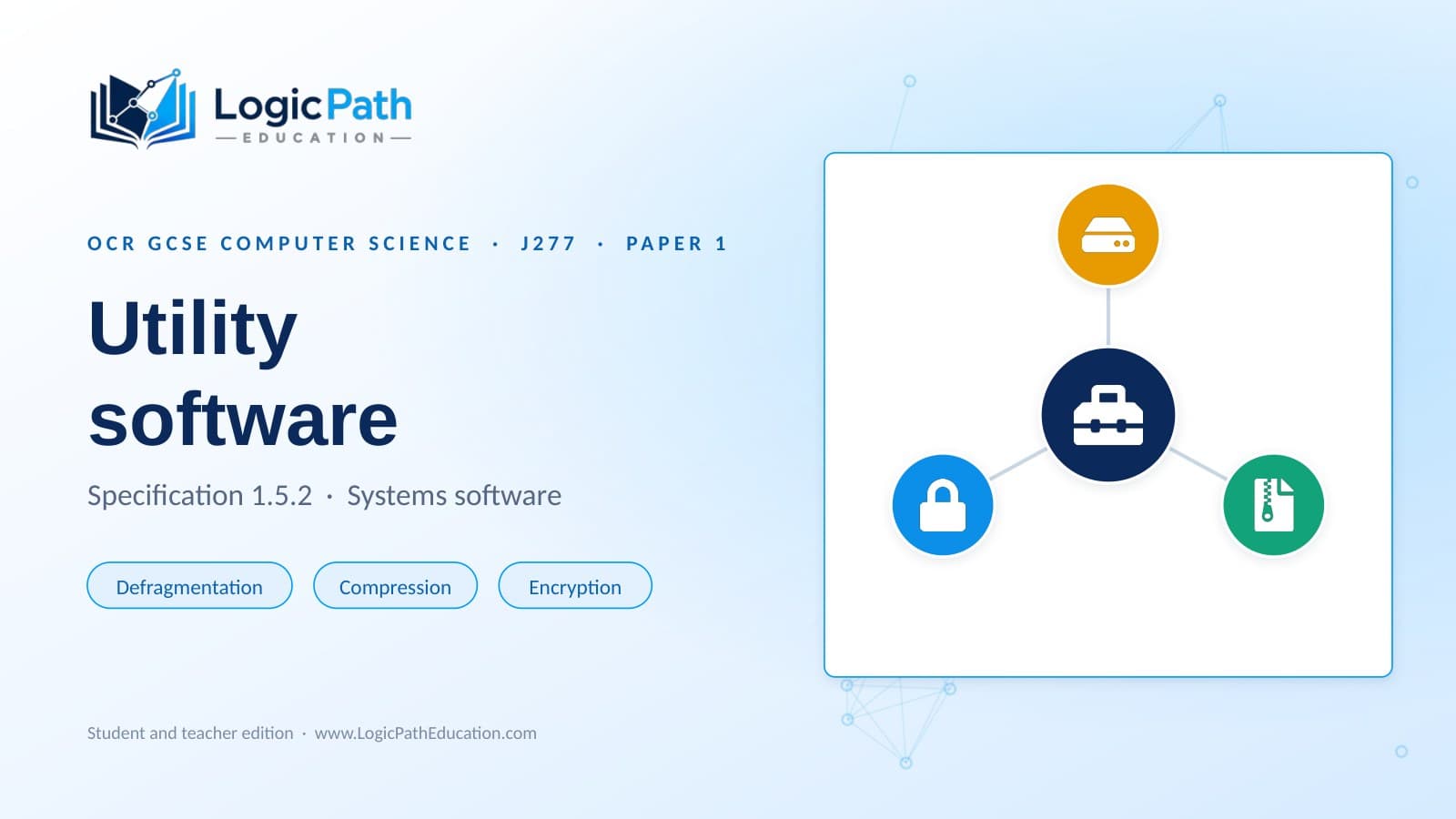
Utility software PowerPoint cover
OCR 1.5.224 slides

Utility software

Choose suitable utilities for a problem and explain how defragmentation, compression and encryption help.

  • The purpose of utility software and its distinction from applications
  • Defragmentation, data compression and encryption software
  • Utility choices, common misconceptions and exam practice with answers
Specification placement: J277/01 Computer systems → 1.5 Systems software. The first deck teaches section 1.5.1, Operating systems; the second teaches section 1.5.2, Utility software. Check the official OCR specification.

Look before you choose

See the teaching, slide by slide.

Choose either PowerPoint and browse its cover and teaching sample. Four real previews show the original slide design, memory management and a before-and-after model of defragmentation.

Topic opening

Slide 1 of 26 · Preview 1 of 2

These are real slides from the pack. Website previews are still images; click-to-reveal answers and animations run in PowerPoint Slide Show mode.

1.5.1 · Topic opening

1.5.1 Operating systems, slide 1: The original Operating systems PowerPoint cover.

Prepare with confidence

From visual explanations to exam practice.

Show how the computer is managed

Use visual models of memory allocation, device drivers and file blocks to explain operating system functions and the purpose of utilities.

Teach with guidance

Speaker notes on every slide support delivery. Route maps, vocabulary and misconception checks help you prepare and revisit ideas.

Apply ideas and practise exam answers

Scenario choices and guided activities lead into exam practice, answers and a knowledge organiser in each deck.

Keep the original editable files

Download both PowerPoints together in one ZIP, with a read-me file and quick-start guide. Adapt the slides within your licence.

Present in PowerPoint Slide Show mode

Read the speaker notes before teaching. Use the route map on slide 2 to navigate, then follow the on-slide prompts for animations and answer reveals. Each topic can run across several sessions.

Every licence includes the complete unit 1.5 pack. Other OCR units are listed separately.

Before you purchase

Useful details

Does the price include both PowerPoints?

Yes. The individual learner price of £24.99 / AED 125 covers the complete unit 1.5 pack: both editable PowerPoints, 50 slides and the pack guide. Tutor and department prices also apply to the complete pack. There is no separate charge for each deck.

Which OCR paper and sections does this cover?

This pack belongs to OCR GCSE Computer Science J277, Component 01 / Paper 1: Computer systems, unit 1.5 Systems software. It covers section 1.5.1 Operating systems and section 1.5.2 Utility software.

What exactly will I receive?

One private ZIP contains both original editable .pptx files, a read-me file and a quick-start guide. There are 50 slides with speaker notes throughout, including 38 slides containing animation and two knowledge organisers.

Are the PowerPoints different for teachers, tutors and home educators?

The teaching content is the same. Choose Individual learner for one named student, Tutor / single teacher for one educator with their own students, or School / department for multiple educators in one school department. Price and sharing permissions depend on the licence. Every option includes both PowerPoints.

Can I use the pack for home education?

Yes, with a parent or tutor guiding the learning. Read the speaker notes, work through the visual explanations and let the learner attempt each task before revealing the answers. Use the knowledge organisers to revisit the key ideas. Each topic can run across more than one session.

Which software should I use?

Use Microsoft PowerPoint in Slide Show mode for the intended animation, answer reveals and route-map links. Follow the click or space-bar prompts on each slide. Some activities use clickable cards. Other presentation viewers may change the layout or interactions. Editing view can expose answers.

How do the two topics fit together?

Begin with 1.5.1 to explain how an operating system manages the computer and supports its users and applications. Continue with 1.5.2 to explore how utility software performs housekeeping tasks, including defragmentation, compression and encryption. Both decks include guided scenarios, practice with answers and a knowledge organiser.

How do I get access after purchase?

Choose your licence and send the pre-filled enquiry. We confirm the price, permitted use and payment details before payment. After payment is confirmed, we arrange private access to the complete teaching files and pack guide.

LogicPath Education is an independent resource provider and is not endorsed by or affiliated with OCR. The public samples are images from the supplied PowerPoints; the complete teaching files are delivered privately.

Back to OCR resources